
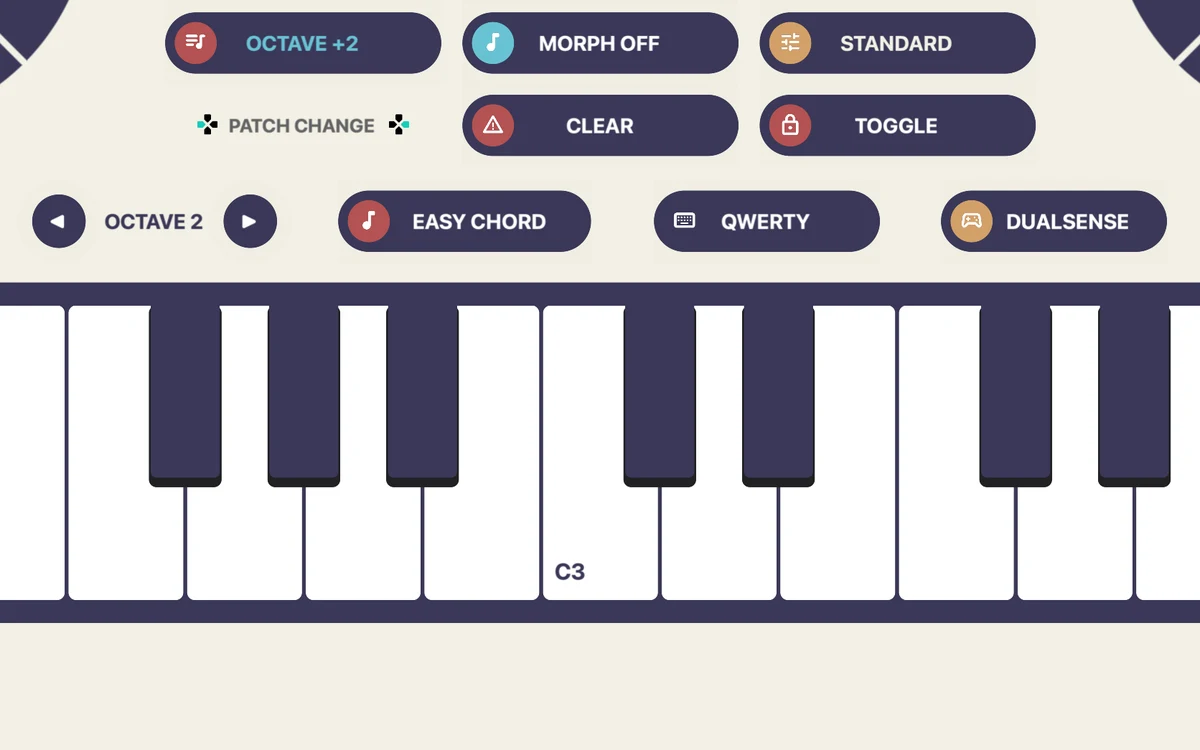
Easy Chord
Chord explorer
Easy Chord mode turns a root and nearby modifiers into musical chord colors. Switch to Normal mode when you want every note available.
 CHORDCADE©
A performance instrument for iPhone, iPad & Mac
Use the expressive analog controls on modern video game controllers to drive virtual and hardware synthesizers.
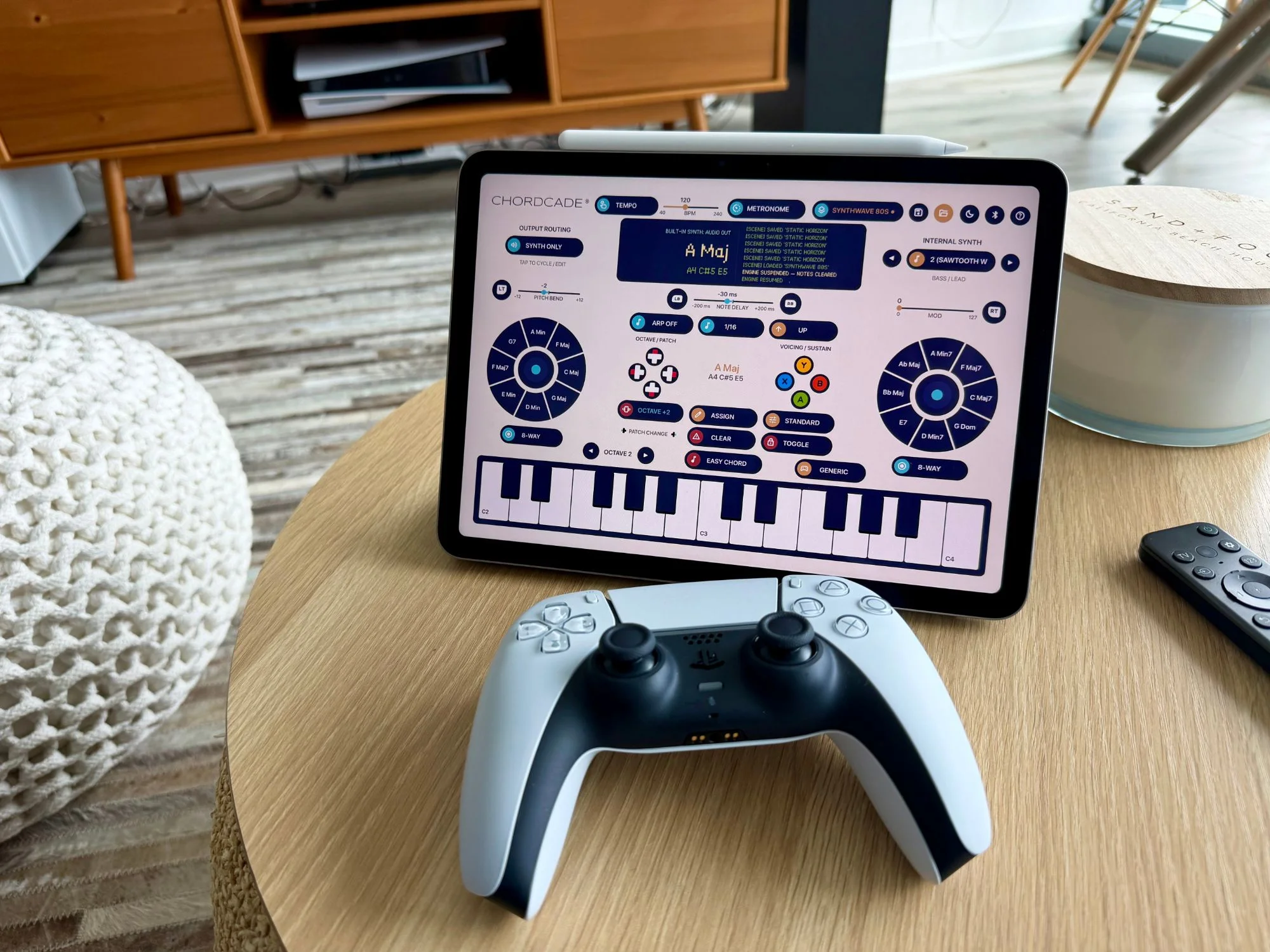
Chordcade on an M3 iPad with a PlayStation DualSense controller
See it in action
Watch a nearly nine-minute walkthrough of Chordcade being put through its paces.
Built for the way you play
Chords, voicings, strums, and expression map to the sticks, triggers, and buttons of the gamepad you already own. No pad controller or MIDI keyboard to buy. Just pick it up and play.
Easy Chord
Easy Chord mode turns a root and nearby modifiers into musical chord colors. Switch to Normal mode when you want every note available.
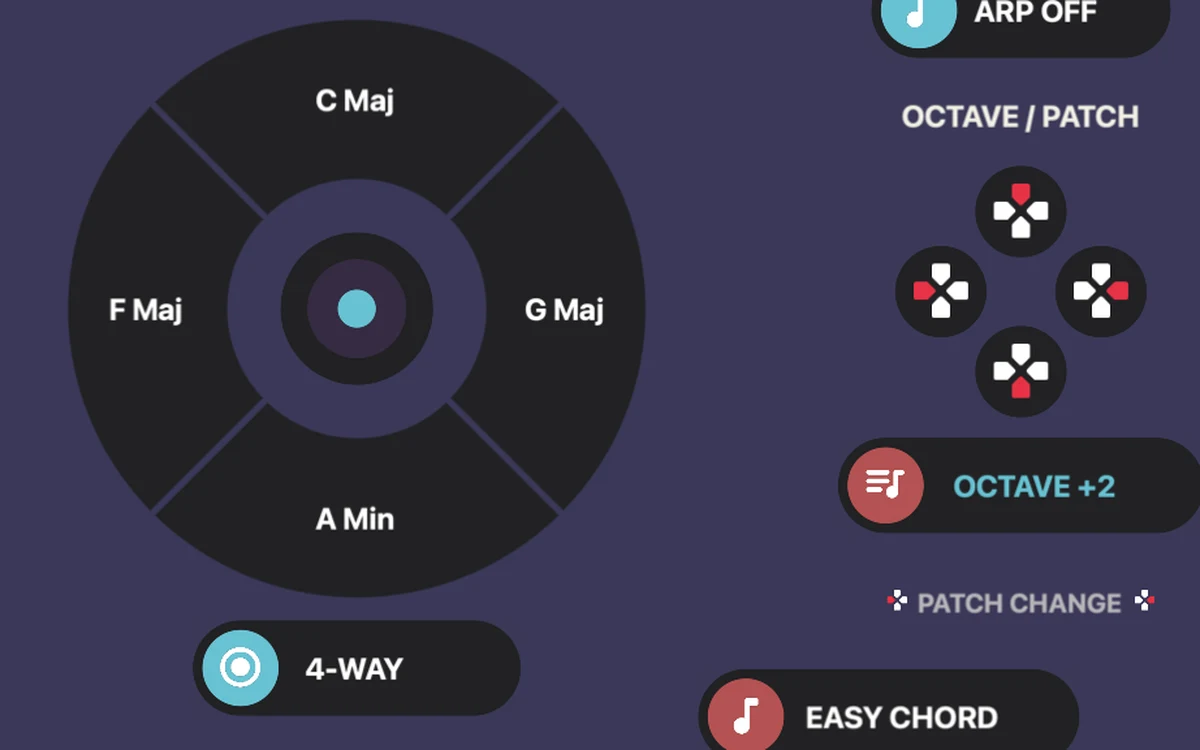
Chord wheels
Two wheels, up to eight chords each. Every direction on each analog stick triggers its own chord, while the other buttons control voicing and sustain.
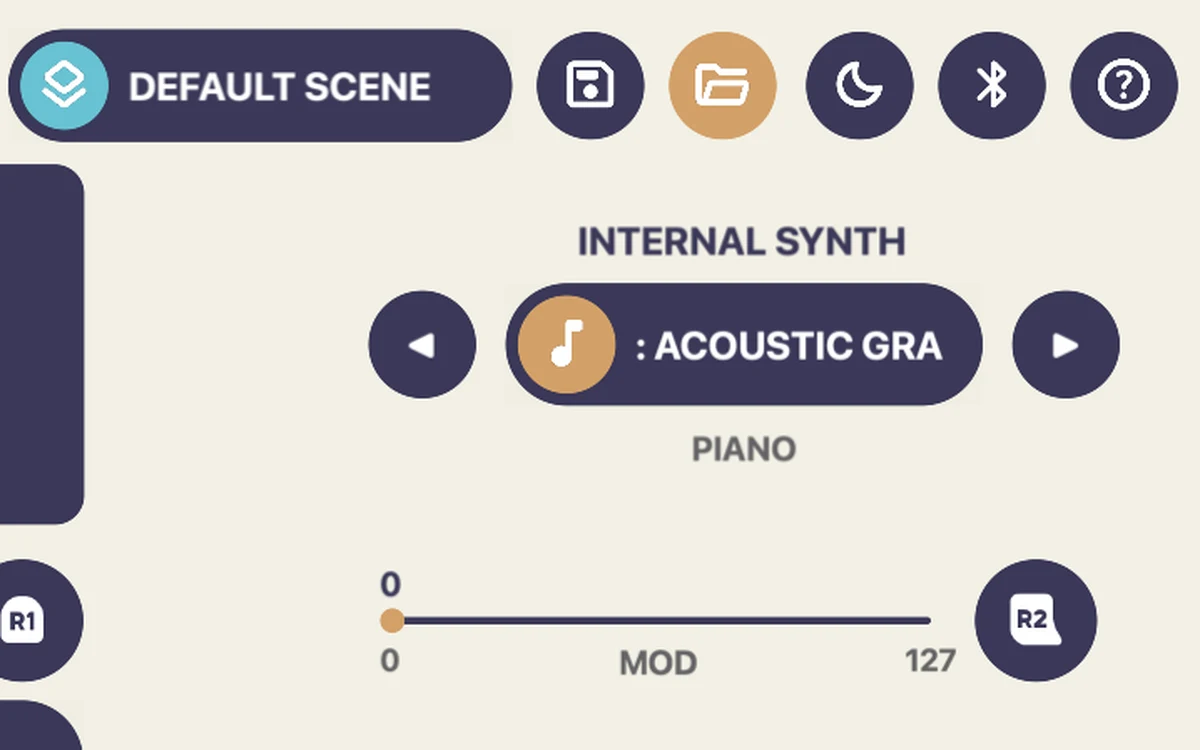
Scenes
Save scenes with your voicing, strum, routing, octave, pitch-bend, and chord-wheel settings—then return to a performance setup in one step.
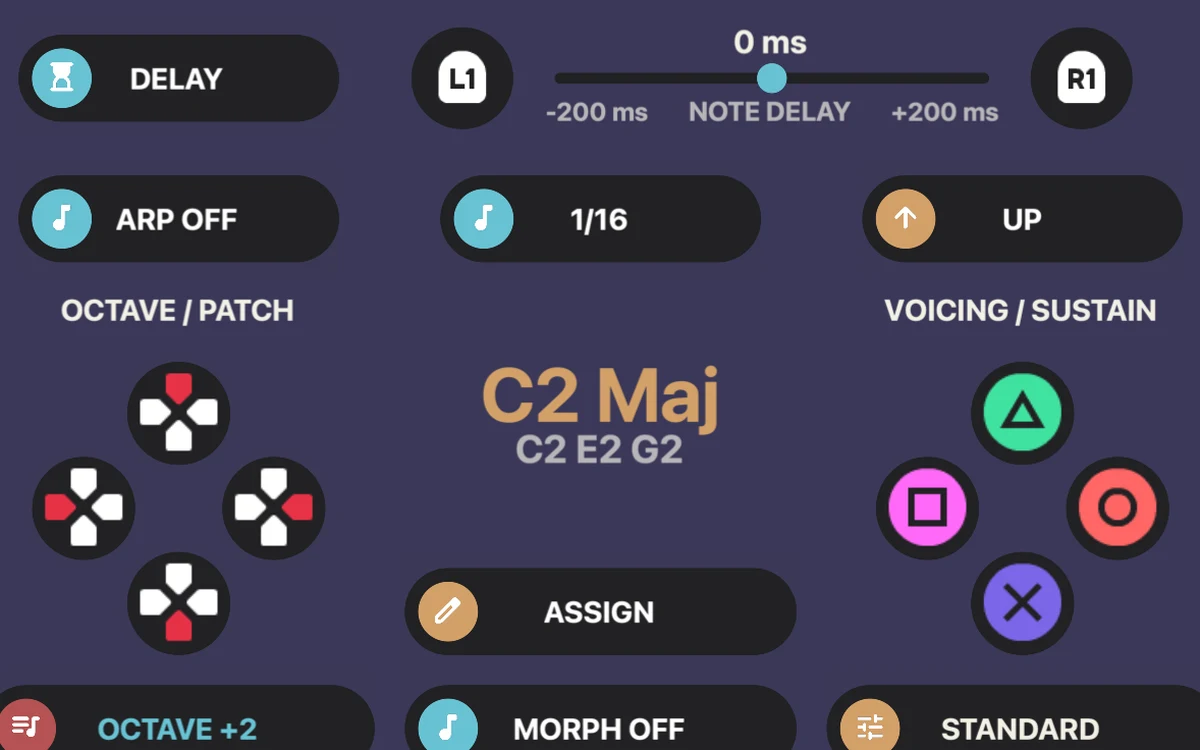
Strum & arp
Roll notes in with a strum-style note delay, or hand them to the arpeggiator with its own rate and direction. Tap in a tempo from 40 to 240 BPM and let the pattern follow.
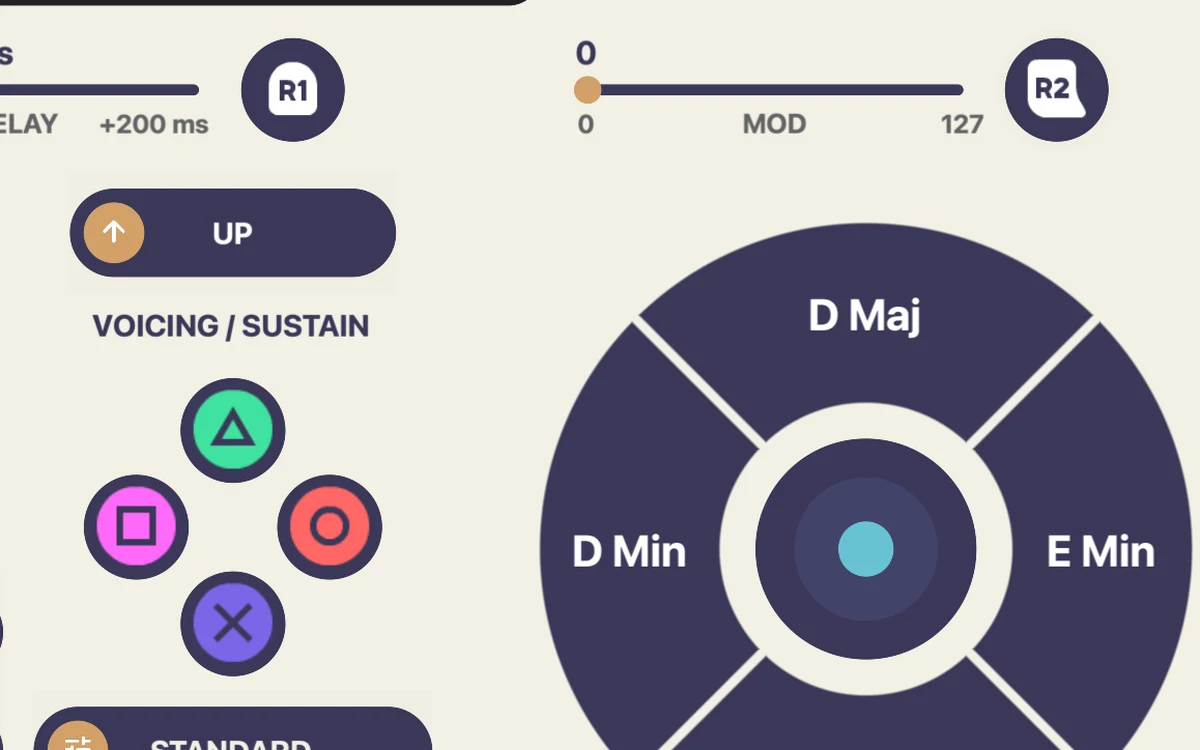
Expression
Bend pitch, ride the mod wheel, shift octaves, and choose standard or toggled sustain. Swap voicings on the fly so the same progression can sit tight or open wide.
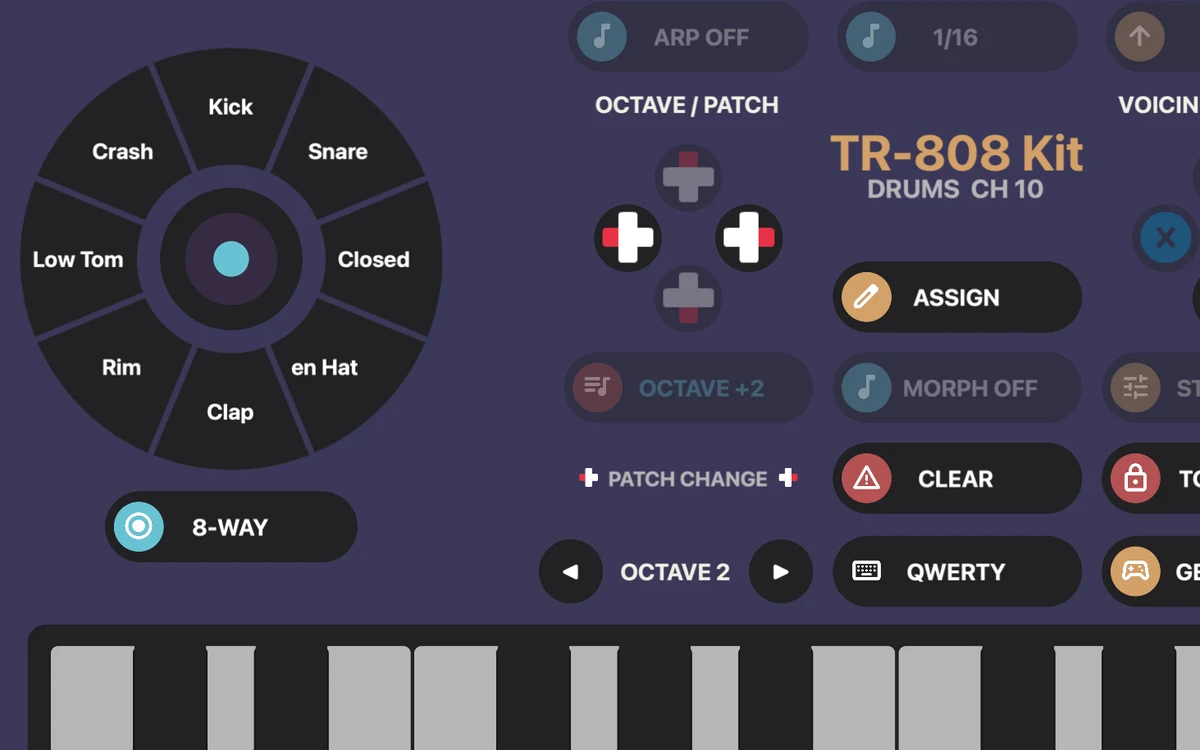
Drum pads
Flip a scene from chords to drums and every slice becomes its own pad—kick, snare, hats, toms, cymbals—played with the same sticks. Step through drum kits with the D-pad, and send it all out on MIDI channel 10.
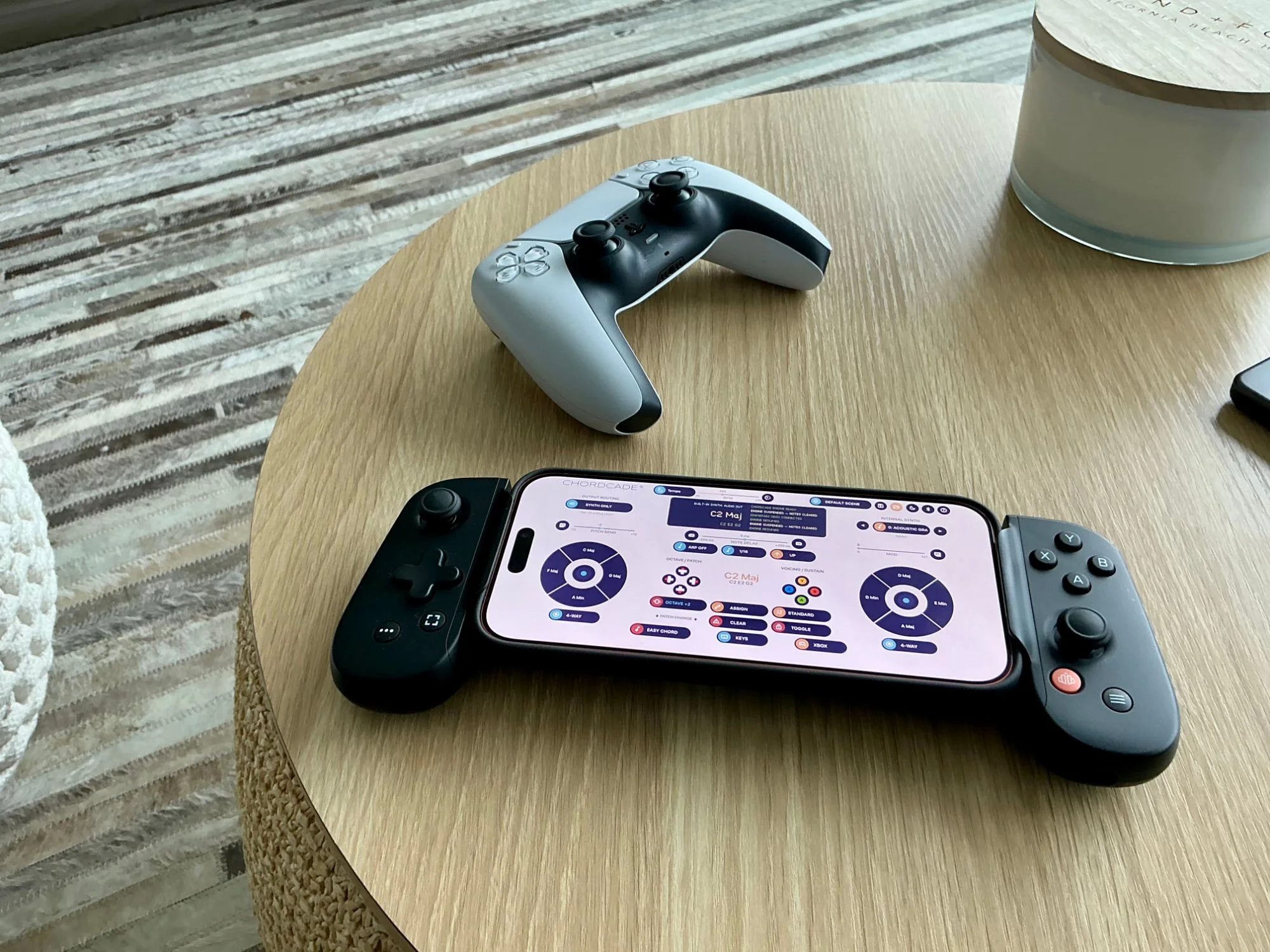
Connect your rig
Start with the built-in synth and its instrument patches, then send Chordcade’s virtual MIDI source to the synths in your music software. Mostly, it’s just fun, and a game-like way to play virtual instruments on your iPhone, iPad, or Mac.
 Game controller and touch input
 Built-in synth with instrument patches
 Virtual MIDI out to your music software
Plays well with your synth apps
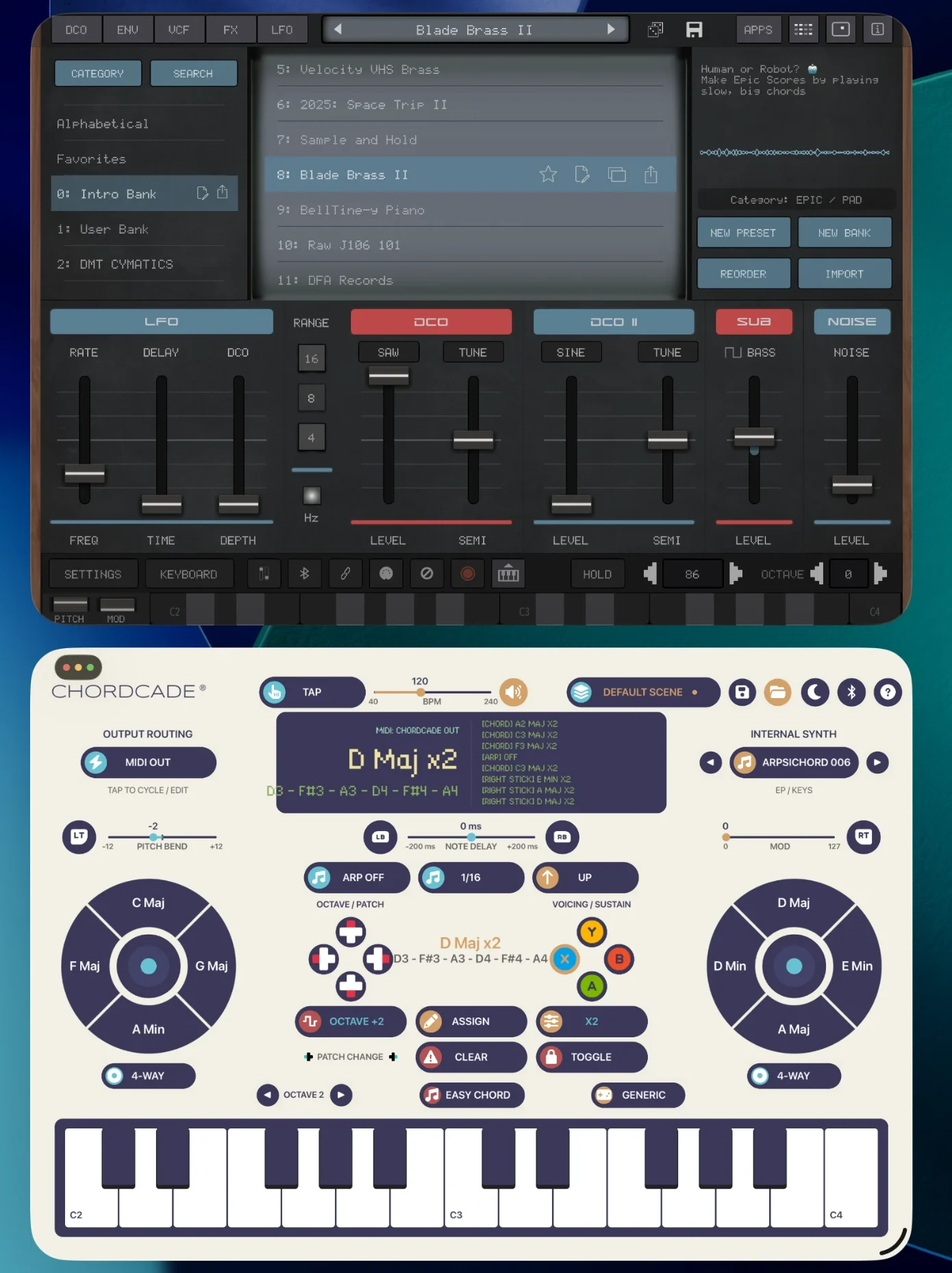
Chordcade outputs to other music apps via inter-app audio, so your controller can play the instruments you already love. Here it’s driving Synth One J6 by AudioKit Pro side by side in Split View, with Chordcade picking the chords and Synth One J6 making the sound.
TestFlight beta
The Chordcade TestFlight is now open to the first 50 iPhone and iPad users, with a Mac version on the way. Pair a controller and have your first progression playing in minutes.